
The hardware capabilities guide
A free PDF catalog of the sensing and control Aqueduct supports, grouped by capability, with the data points each device bundle reports.
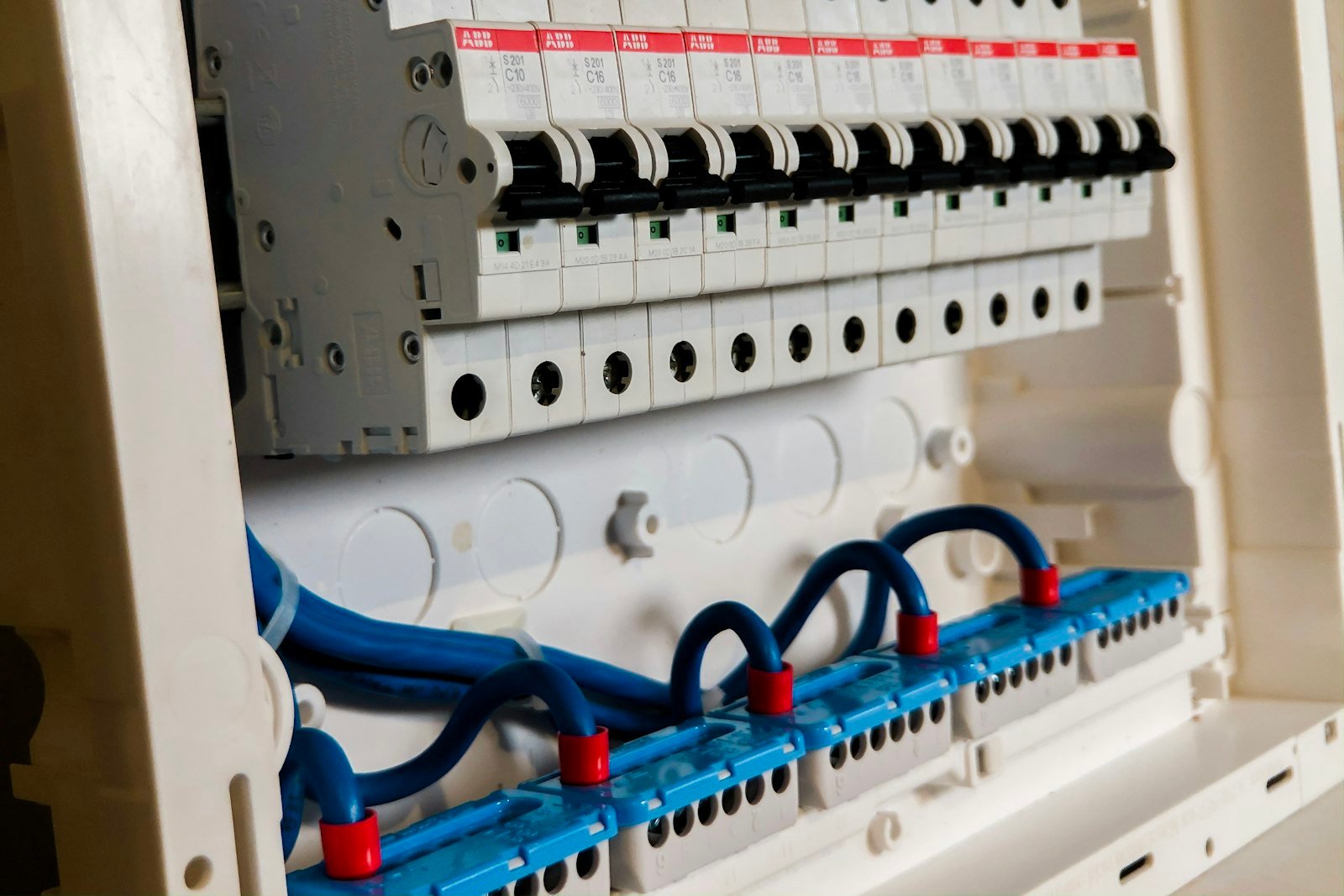
The Aqueduct Hardware Capabilities Guide
- How to read this guide
- Air quality, occupancy, sound and weather
- Bathroom monitoring
- Electricity metering, sub-metering and power monitoring
- Gas metering and sub-metering
- Water metering, sub-metering and waste events
- Pulse counters and splitters
- Controllers, relays, valves, cameras and asset tracking
- Gateways and secure communications
For: System integrators, facility engineers, MEP engineers and IT teams planning what to connect to Aqueduct and how.
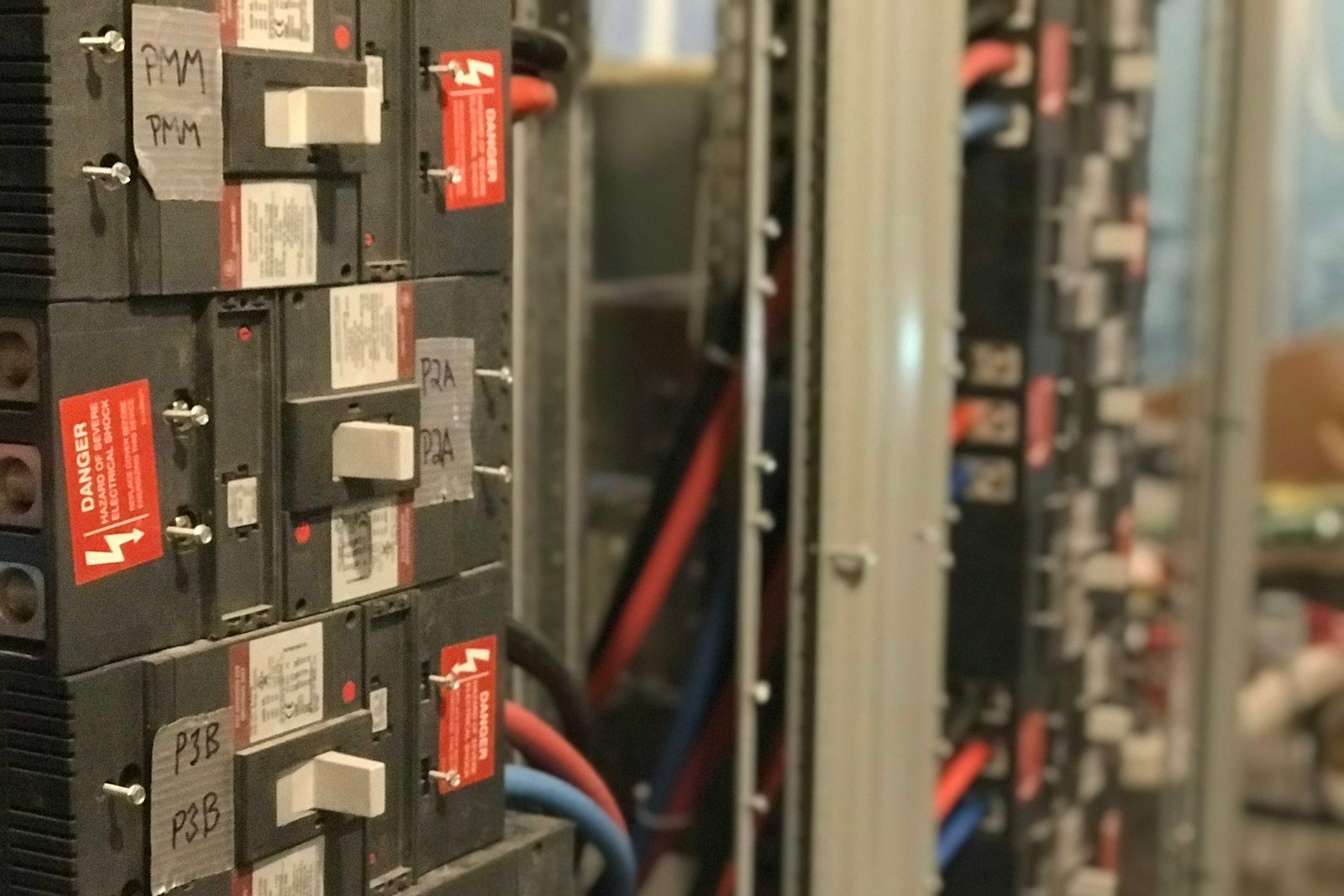 PDF guideThe Aqueduct Hardware Capabilities Guide
Common questions
Usually. Pulse meters connect through a pulse counter, Modbus and M-Bus meters through bridges, and a camera meter can read an older meter face. That brings many existing meters online without replacing them. See pulse counters.
No. A pulse splitter shares one meter output between the BMS and Aqueduct, so the existing feed keeps working while Aqueduct reads the same pulses. Modbus meters can also be polled by more than one system where the network allows it.
Typically every 5 to 60 minutes, depending on the device and its setting. Shorter intervals give fresher data and shorter battery life, so intervals are set per use case. See LoRaWAN sensors for buildings.
System integrators specifying devices for a project, facility engineers checking whether existing meters can connect, and IT teams reviewing how data reaches the cloud. Each capability lists its typical device, data points and protocols.
See Aqueduct on your own facility.
Bring a site, a utility bill or a question. We will show you where the loss is.