Agentic AI for facilities: agents that diagnose, propose and act within limits you set.
Aqueduct agents watch live telemetry and the digital twins, work out what is wrong, and either propose an action or take it through Smart Controls. Every action is bounded by rules you set, logged, and checked against the data afterwards.
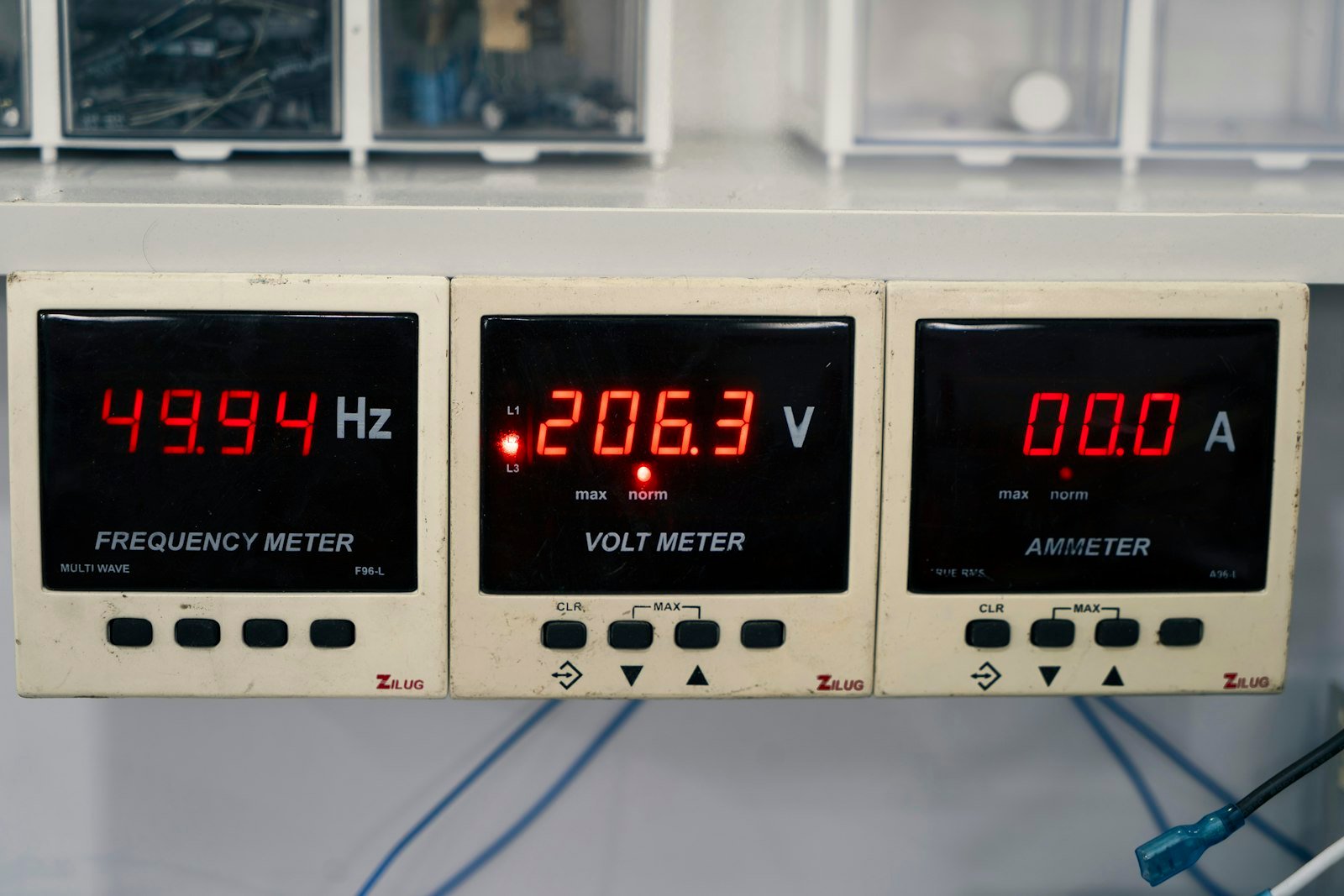
Monitor, understand, decide, act, verify.
One run of the water agent. Demo data.
Agents that read the site, act inside limits you set, and check the result.
The same data your team sees
- Telemetry
Meters, sensors and field devices, at the interval each one reports.
- Twins
Component states and balances, so a diagnosis rests on how the system is built.
- History and baselines
Expected use and past events, so an anomaly is judged against the site's own normal.
Limits on every action
- Propose by default
Agents recommend; people decide.
- Act only where allowed
Commands run where control is enabled, with owner approval.
- Protected and recorded
Lockouts prevent short cycling, and command history records what executed.
A warm meeting room, start to finish.
An illustrative example.
Zone temperature in a meeting room drifts above setpoint during an occupied hour.
The agent reads the rooftop unit's twin: compressor on, supply air warm, economizer closed.
It proposes a stuck economizer damper as the cause, with the evidence.
A ticket goes to the CMMS, and a temporary setpoint change waits for approval.
After the repair, the unit's setpoint attainment returns to its good band.
Why facilities need help reading their own data.
of terminal units, and 40% of air handlers, showed a reported fault on any given day in an LBNL study.
Source: LBNL, 2023HVACR mechanic openings a year are projected in the US from 2025 to 2035.
Source: US BLSLimits
Agents cannot act on equipment Aqueduct is not connected to, and they do not replace engineering judgment on safety-critical systems. Events driven by the environment, such as a truck idling by an air intake, cannot be predicted.
Related
Common questions
Aqueduct agents run in the background, watch telemetry and the digital twins, and bring a diagnosis and a proposed action to you. aQ Assistant waits for your question and answers it from the same data. See aQ Assistant.
An Aqueduct agent raises a work order in the CMMS or EAM you already run. The ticket carries the likely cause and the evidence attached, such as a meter trace or a component state. Technicians work the ticket as usual. See integrations.
An Aqueduct agent can monitor, diagnose, alert and raise work orders on its own. Touching equipment is different: Smart Controls carries out an action only inside the rules you set, only on units the owner has approved, and logs each command. See trust and security.
The agent compares the meter or sensor after the action with the expected baseline. If night flow, energy draw or airflow returns to normal, the case closes; if not, it reopens with the new data. See measurement and verification.
See Aqueduct on your own facility.
Bring a site, a utility bill or a question. We will show you where the loss is.